
Quote it
Quote accepted, job started
Send a quote with up to three options. The client accepts online, and the job starts from it.
More about quotes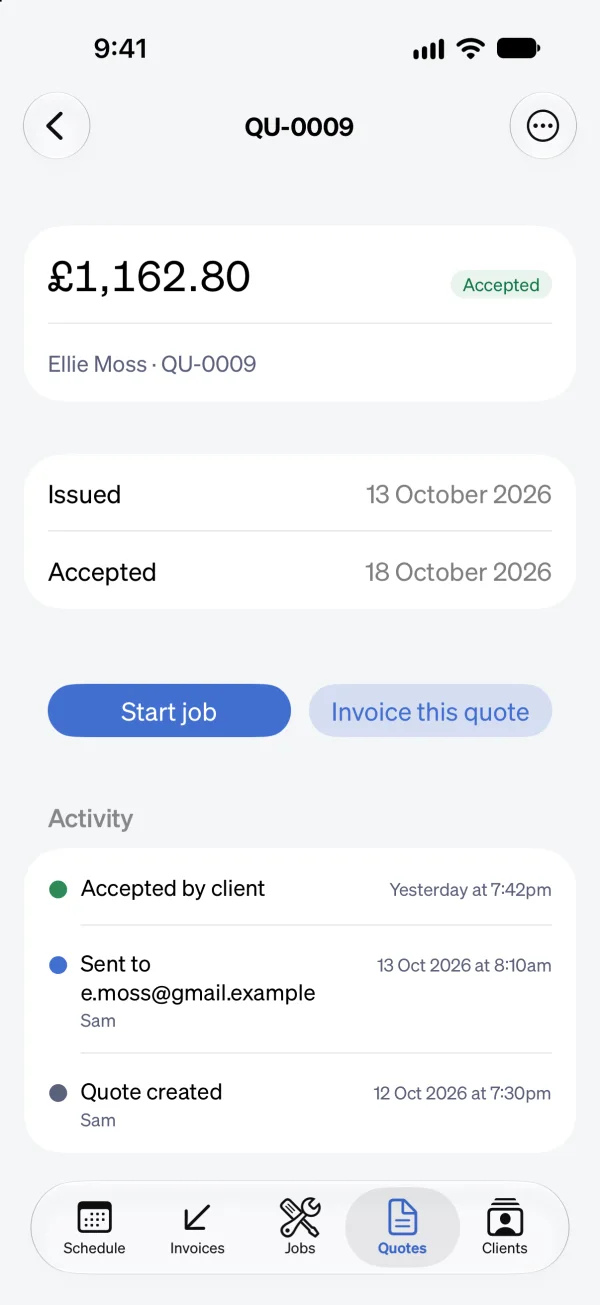
Job management software for UK trades
Quote the job, book the visits, invoice it when it’s done, and get paid by card or bank transfer. Sendinvo chases the money while you’re on the next job.
No card needed. Then £24.99 a month for your whole team.

Quote it
Send a quote with up to three options. The client accepts online, and the job starts from it.
More about quotes
Book it
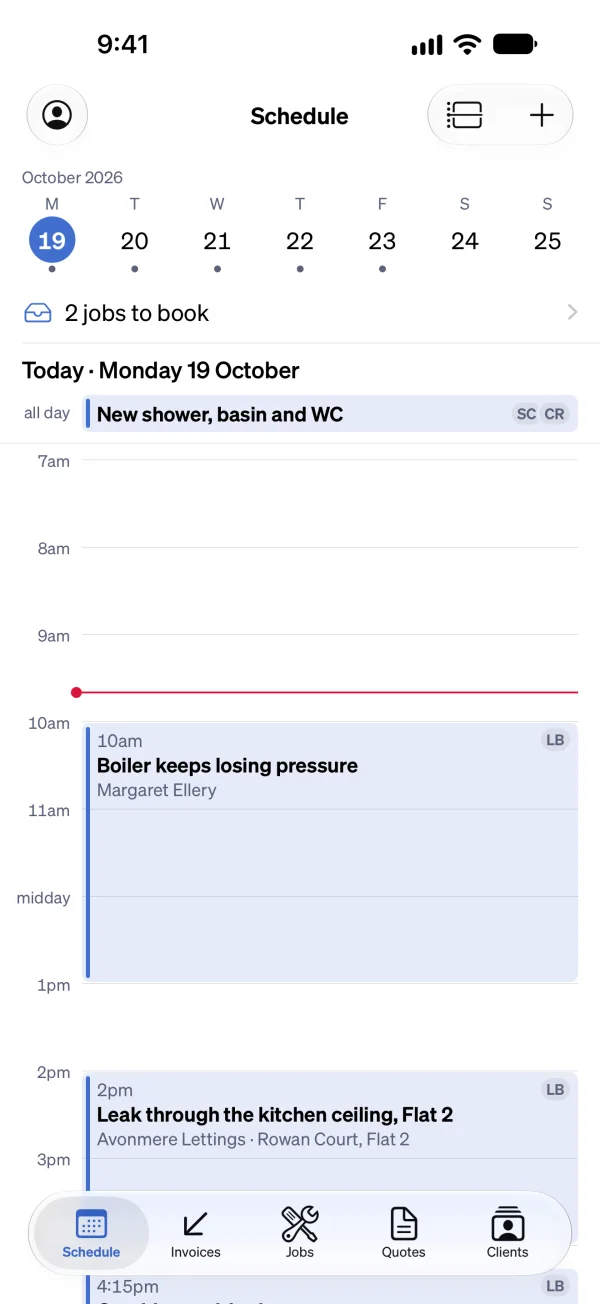
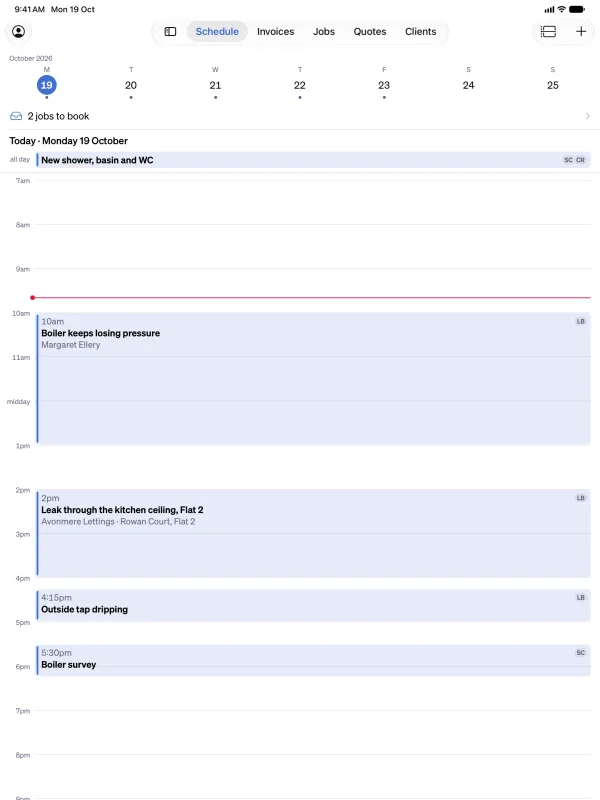
Book the visit, and the client is told by email, with a reminder the day before.
More about the schedule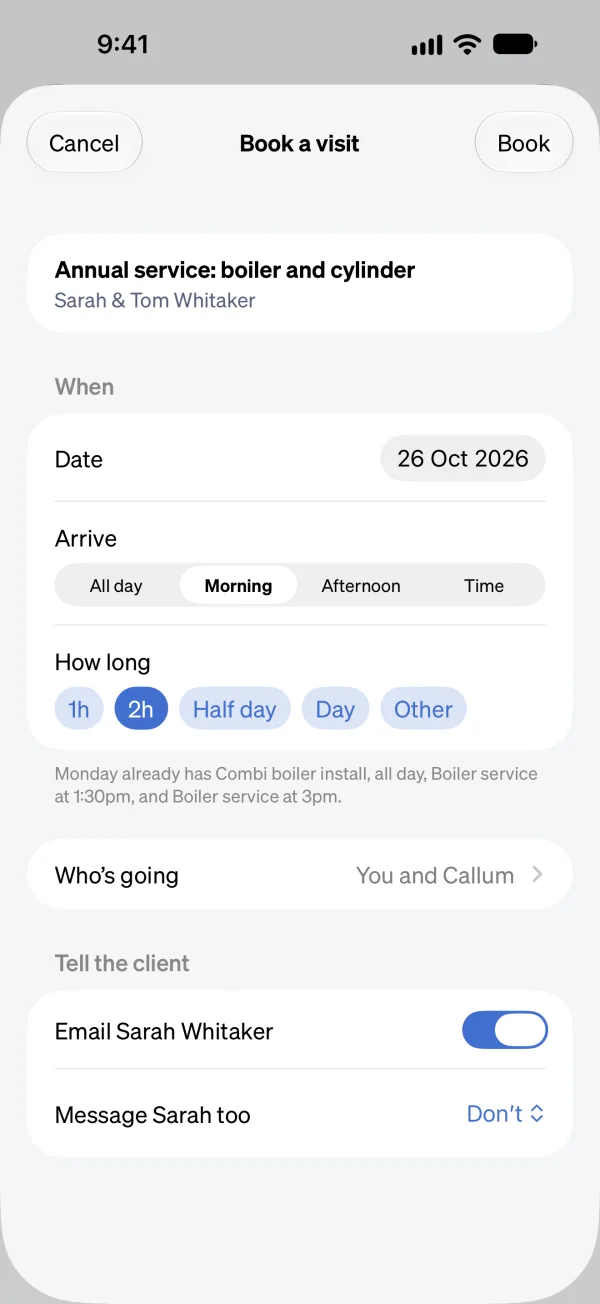
Get paid
Time on site and any extras are already on it.
More about jobs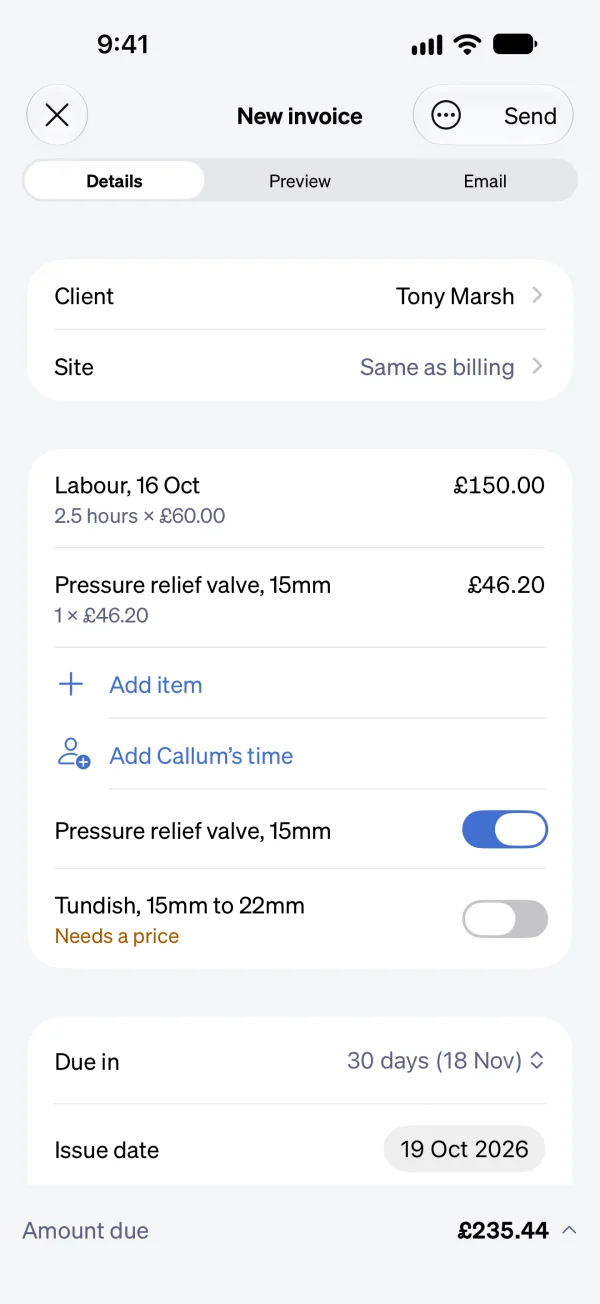
Show them the code, and they pay by card or straight from their bank.
Payments run through your own Stripe account. Sendinvo takes no cut, though Stripe’s own processing fees still apply.
More about taking payment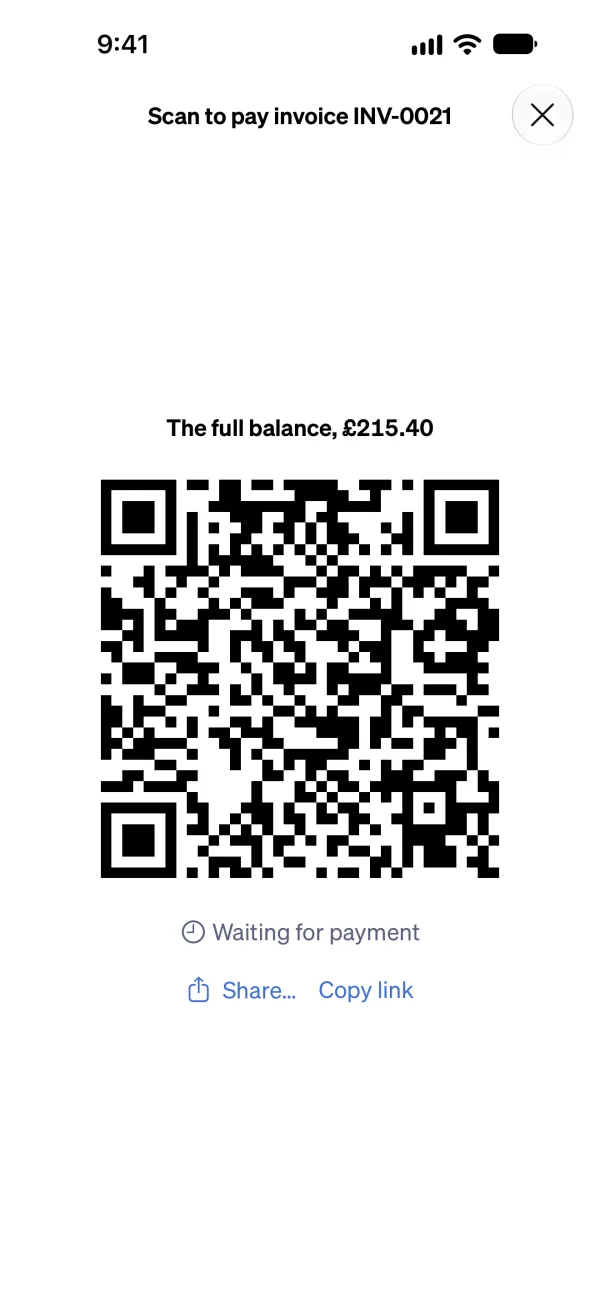
Polite reminders go out on their own, and stop the day you’re paid.
More about reminders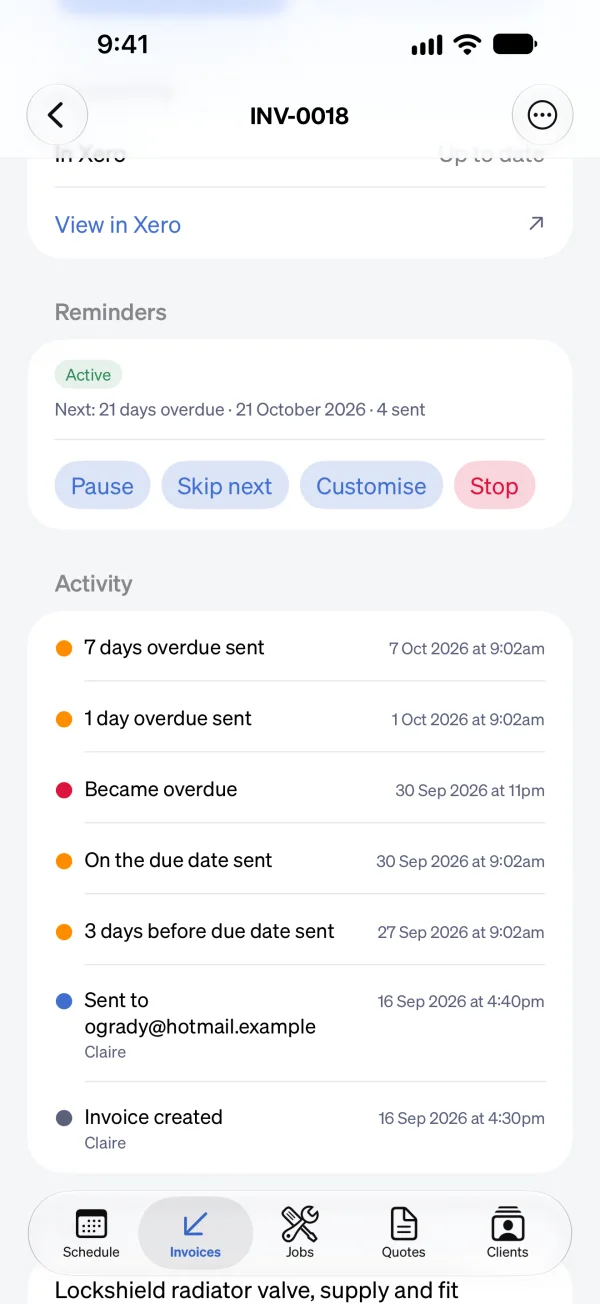
Book a visit, start and finish it, or write a quote in the Sendinvo app with no signal. Everything is sent when you’re back in signal.
More about working with no signal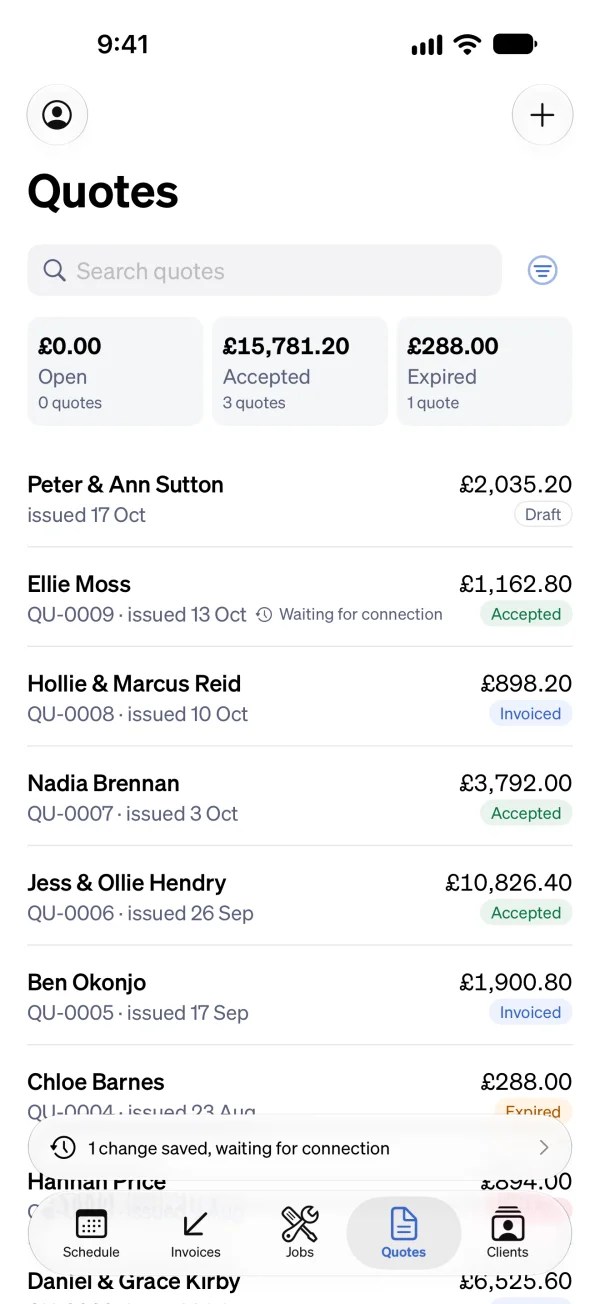
The same account works in the Sendinvo app and in any web browser, so the office and the van see the same jobs.
Try the web demo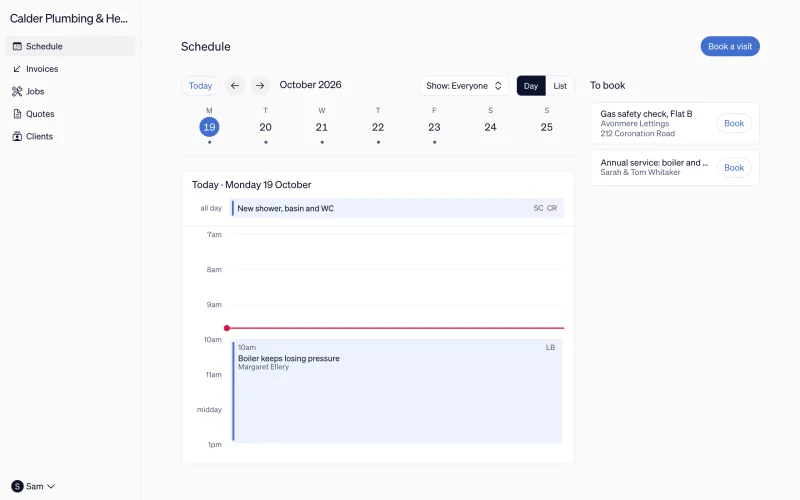
Pricing
Only the owner pays. Everyone you invite is included, from the people on the tools to your accountant.
£24.99 a month
£24.99 a month, billed monthly, for your whole team. That is every feature: the schedule, jobs, photos, quotes, invoices, reminders, and card and instant bank payment. Nothing is held back for a bigger plan, and nobody you add costs extra.
No. Every account starts with 30 days of everything, free, with no card and no invoice limit. When the trial is up, subscribe to keep sending invoices and syncing your books. If you don’t, nothing is charged and nothing is deleted.
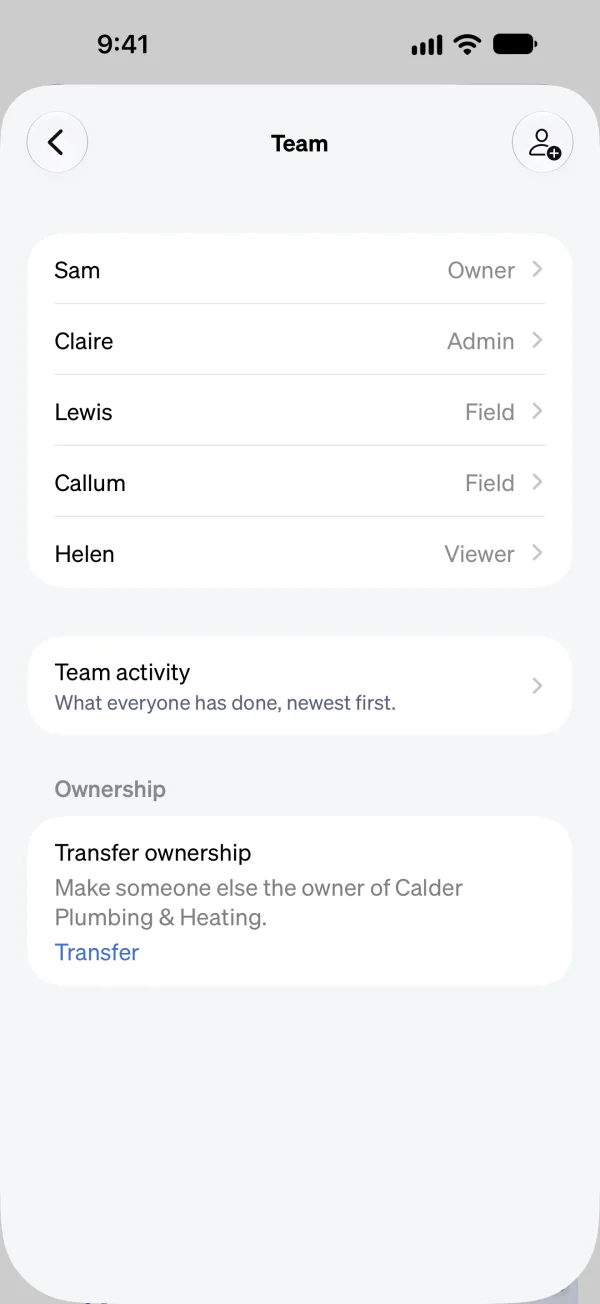
Nothing extra. Your whole team is included in the one price, whatever their role and however many there are. Someone in the office can quote and chase as a Member, the people on the tools can be Field, who see their own visits and no prices, and your accountant can be a Viewer, who sees everything and changes nothing.
The Sendinvo app is available on the App Store for iPhone and iPad, and there’s no Android app yet. It has the schedule, jobs, photos, and voice notes, and it works with no signal: what you do is kept on the phone and sent when you’re back online. Field people work from the app, and the same account works in any web browser.
Yes. Connect your Stripe account and every invoice can carry a “Pay now” link. Clients pay by card, or on a sterling invoice straight from their bank account with no card details to type. Either way the invoice marks itself off. Sendinvo takes no cut, though Stripe’s own processing fees still apply.
Yes, both. An owner or admin connects your Xero organisation or your QuickBooks Online company, and each invoice, credit note, and payment goes across as it happens.
Yes. Your clients, your price list, the invoices still owed and the ones already paid come in from a file from any app, with Tradify’s, Xero’s and QuickBooks’ exports recognised, or straight from a connected Xero or QuickBooks. Nothing is sent to your clients, and each import can be undone for 30 days.
Yes, as a setting. Switch CIS on and set your rate, and Sendinvo takes the deduction off the labour lines and shows the gross total and the net amount due. Tick the VAT reverse charge and the invoice carries the wording HMRC expects. Sendinvo doesn’t file your CIS return: your accountant does that from your records.
Yes. There’s no contract, cancel whenever you like and you won’t be billed again. Nothing is deleted when a subscription ends: every client, job, invoice, and document stays in your account to read, and Export everything puts them all in one zip file, as spreadsheets, PDFs, and photos.